CHỈ VỚI MỘT CLICK
Tạo CV online định dạng chuẩn ATS dành cho ứng viên
Xây dựng sự nghiệp IT với công cụ tạo CV chuyên nghiệp chỉ trong vài phút. Thu hút nhà tuyển dụng bằng CV chuẩn hóa, thân thiện ATS.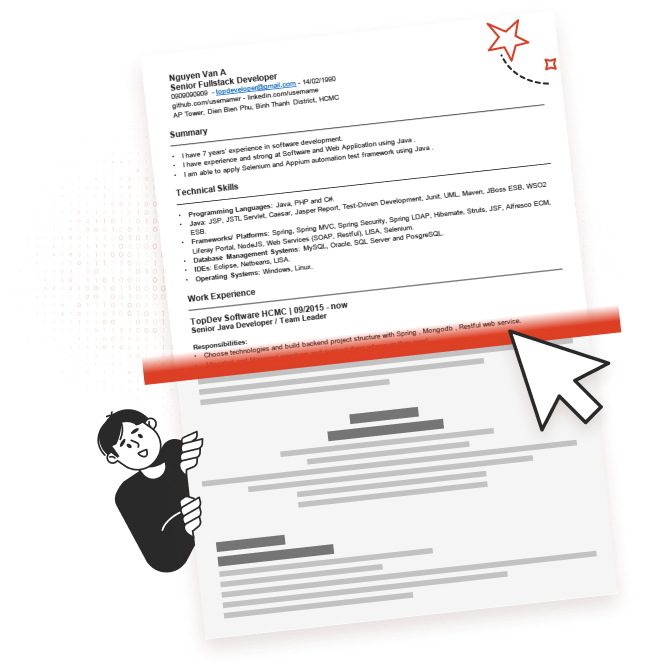
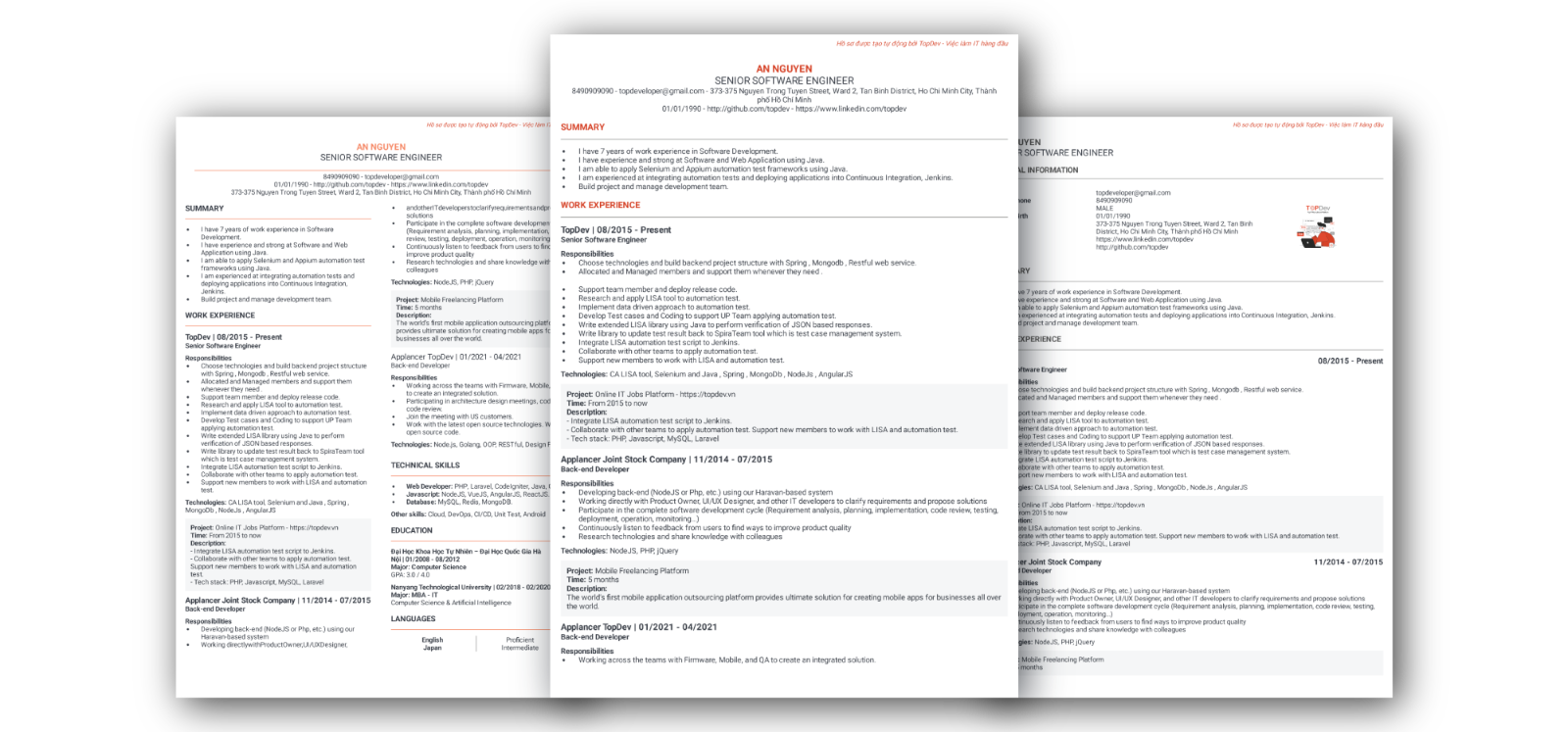
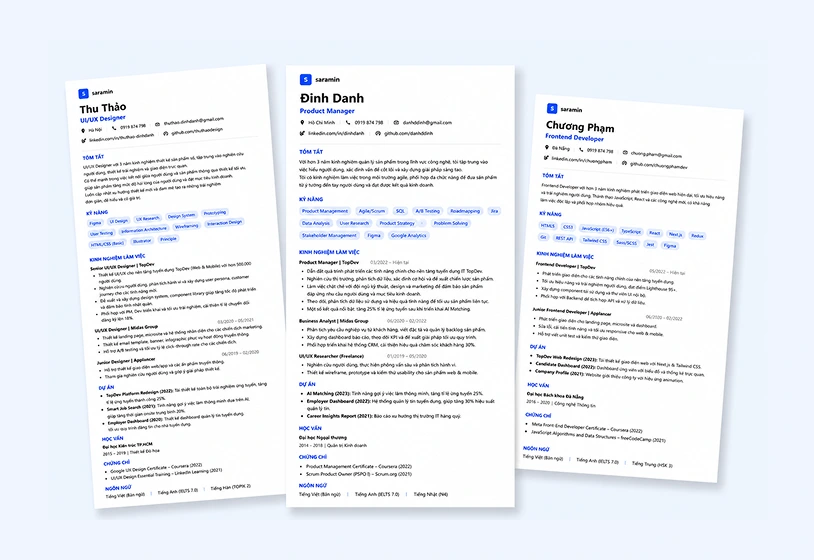
Cấu trúc CV chuẩnCác trường thông tin tiêu chuẩn được chọn lọc cùng bố cục thống nhất giúp nhà tuyển dụng dễ dàng đánh giá kinh nghiệm của bạn.
Mẫu CV được chọn lọc kỹDựa trên hơn 1.000 CV nổi bật toàn cầu, đã được chứng minh hiệu quả khi ứng tuyển vào các tập đoàn công nghệ lớn như Microsoft, Google, Amazon...
Quản lý CV dễ dàngĐồng bộ và quản lý CV trên mọi thiết bị, ứng tuyển dễ dàng chỉ với một click.
Thao tác đơn giản, tiện lợi
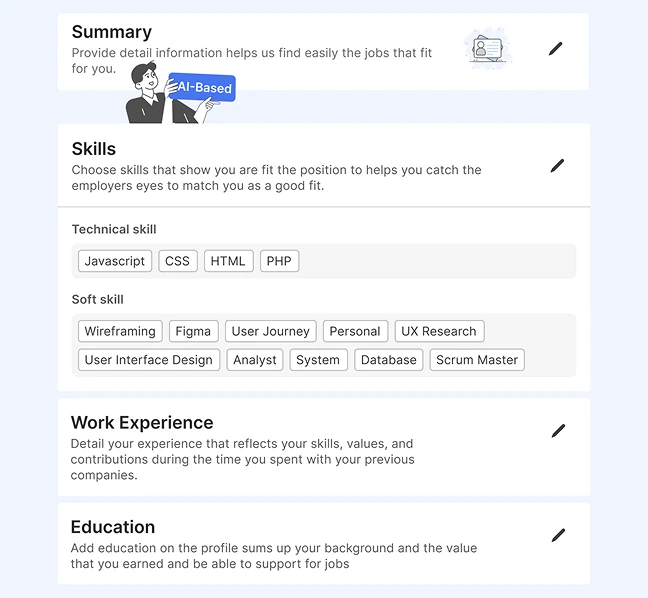
Cấu trúc CV chuẩn, các trường thông tin được chọn lọc sẵn, giúp bạn dễ dàng nhập thông tin cần thiết
- Tiết kiệm thời gian chọn & thiết kế cách trình bày CV
- Ưu tiên cho chất lượng nội dung chính trong CV
- Gây ấn tượng với Nhà tuyển dụng bằng các thông tin quan trọng như Kinh nghiệm làm việc & Kỹ năng
- Tạo điểm nhấn cho CV khi bổ sung các thông tin khác: Dự án, Sở thích, Hoạt động, Ngôn ngữ, Người tham vấn, Chứng chỉ, Giải thưởng...
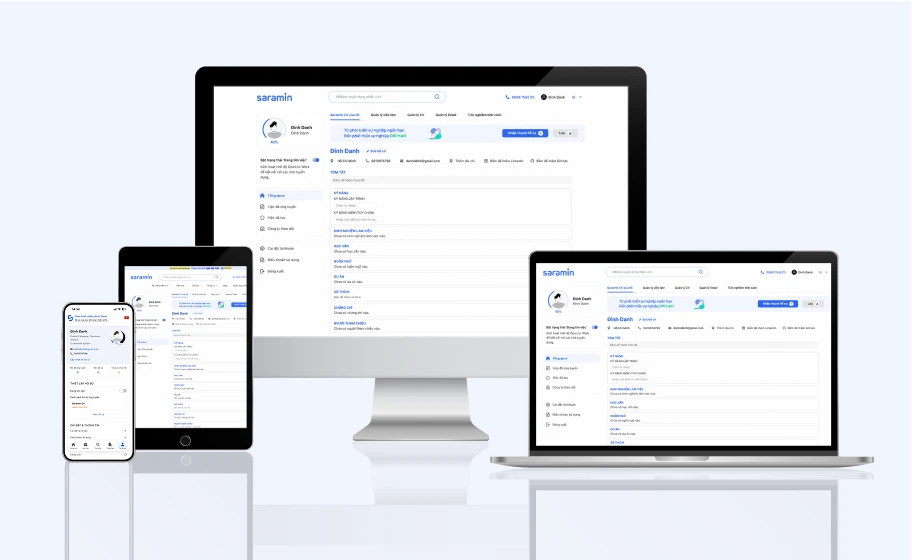
Thông tin đồng bộ, sử dụng trên mọi nền tảng
Thông tin trên CV được cập nhật đầy đủ, chính xác, đồng bộ trên PC và Mobile
- Sau khi đăng nhập, bạn có thể tạo CV với những thông tin được điền tự động từ thông tin trước đó của bạn trên Saramin, cập nhật kinh nghiệm mới và sử dụng để tìm việc ngay
- Đồng bộ file trên cả PC & Mobile
(*) Tính năng Tạo và Chỉnh sửa CV được hỗ trợ trên PC và Mobile App. Các tính năng quản lý và đồng bộ được hỗ trợ trên cả PC & Mobile.
Ứng tuyển việc làm mọi nơi
Sau khi hoàn thành CV trên Saramin CV, bạn có thể ứng tuyển mọi nơi cùng với Cover Letter ấn tượng
- Quản lý lịch sử ứng tuyển sử dụng các mẫu CV đã tạo trên Saramin
- Theo dõi quá trình xử lý hồ sơ từng vị trí sau khi ứng tuyển
- Hỗ trợ lưu trữ File CV tải lên từ máy tính
- Tải về dưới dạng PDF
Tạo CV chuyên nghiệp cùng Saramin CV trong 3 bước đơn giản:
Tạo CV mới và cập nhật thông tinSaramin CV tự động điền dữ liệu từ hồ sơ hiện có của bạn. Bạn có thể dễ dàng chỉnh sửa hoặc cập nhật thông tin mới trực tiếp trong trình tạo CV.
Chọn mẫu CV phù hợp nhấtXem trước nhiều mẫu CV, chọn mẫu yêu thích và lưu lại. Bạn có thể tạo nhiều phiên bản CV cá nhân hóa từ cùng một bộ thông tin cốt lõi.
Ứng tuyển trực tiếp trên SaraminKhông cần tải file PDF. Hệ thống sẽ tự động đính kèm Saramin CV mới nhất của bạn khi gửi hồ sơ ứng tuyển.
Mẹo làm CV dành cho ứng viênCách trở nên nổi bật cùng Saramin CV